
Do you remember what the internet looked like before it became a flashing billboard? Before the cookie consent pop-ups, the auto-play videos, and the banners that scream for your attention?
The modern web is a cluttered, noisy mess. It isn’t just annoying; it is actively hostile to your focus and your privacy. While free browser extensions like uBlock Origin are excellent first steps, if you want to truly scrub your digital existence clean, you need the heavy artillery: AdGuard.
Most people stop at installing a Chrome extension. The problem? That only protects Chrome. It does nothing for the ads in your other apps, the tracking in your operating system, or the sponsored junk in your start menu.
AdGuard’s standalone application sits at the network level of your device. This means it filters traffic before it even reaches your browser or apps. It strips out ads from Spotify, removes tracking pixels from email clients, and sanitizes the entire data flow entering your computer or phone.
There is a tangible performance benefit to “sanitizing” the web. Advertisers load heavy scripts that eat up your RAM and drain your laptop battery. By cutting this connection, AdGuard makes web pages load significantly faster.

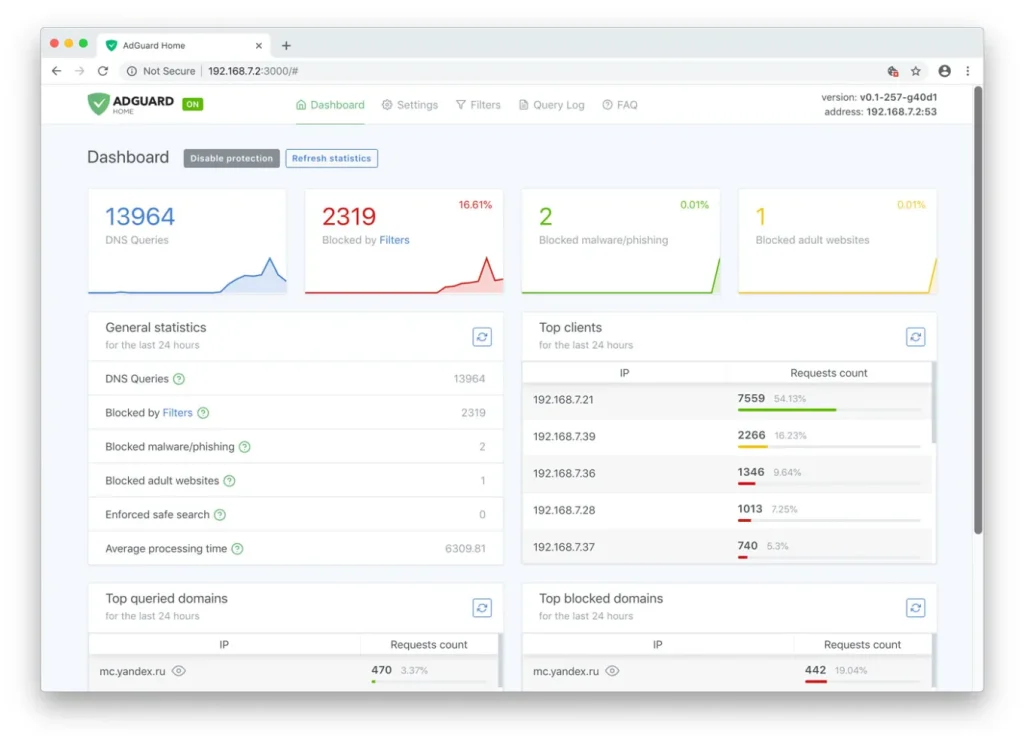
For the more technically inclined, AdGuard offers powerful DNS filtering. It acts as a gatekeeper, preventing your device from even resolving the addresses of known malware and phishing sites. It is a set-and-forget layer of security that works silently in the background.
In an economy based on harvesting your attention, AdGuard allows you to opt out. It turns a chaotic, shouting internet into a quiet library. Once you experience the web this way, you can never go back.
Here is a link to the software: https://adguard.com


Leave a Reply